Option Group
Overview
Option Group is a product item that groups multiple child options and allows choosing a default child option. It behaves like a part without requiring its own 3D asset. The size of an option group is the total size of all child options.
Option Group can be added as a child to items that accept options (for example Product, Part, and Accessory Slot). It can contain structure definitions or slots, but cannot contain a Material Slot.
Base properties
RootProperties
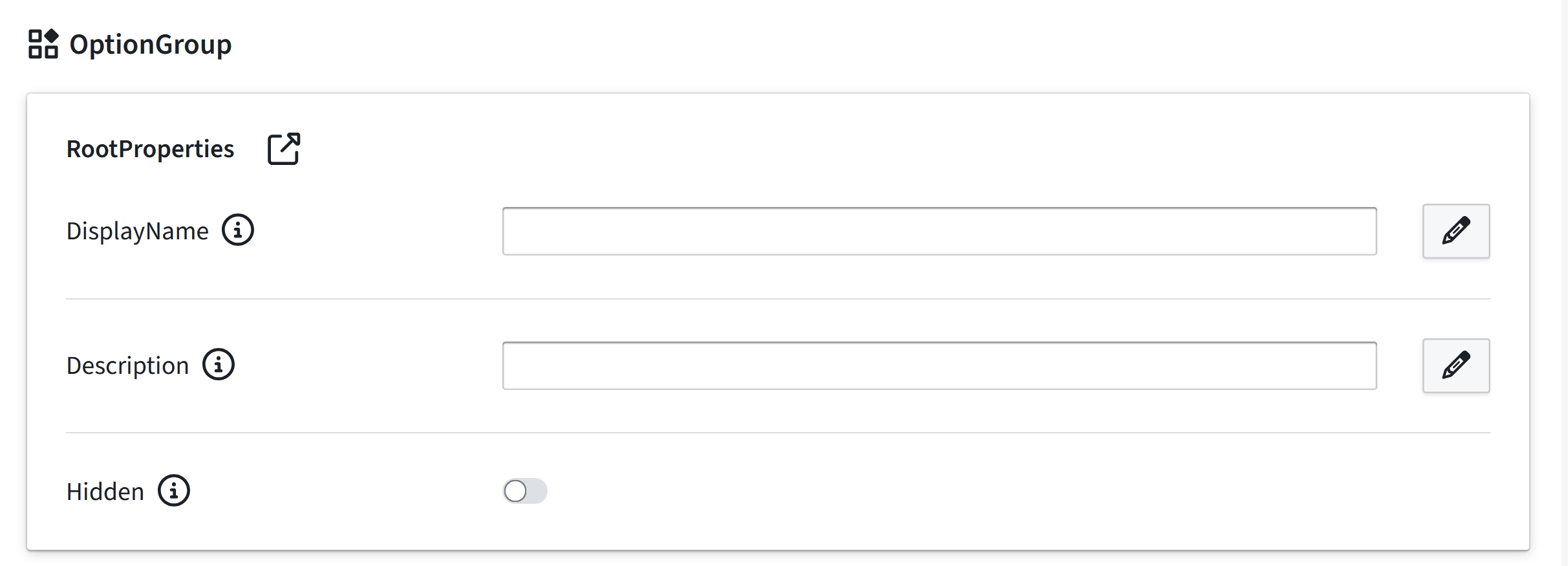
| Property Name | Type | Localized | Description |
| -------------------- | ---------- | --------- | ------------------------------------------------------------------------- | | DisplayName | Text field | Y | Display name shown in the Planner for the option group. | | Description | Text field | Y | Description text shown in the Planner for the option group. | | Hidden | Toggle | N | Toggle to hide the option group in the Planner. |
Optional property sets
Option Group accepts the same optional property sets as Part, except animation-related property sets.
Notes
- Option Group is not tied to a 3D asset, so it is ideal for grouping alternatives that share the same physical representation.
- Material Slots cannot be added as children of Option Group.