Translations in Manager UI
As the planner UI can be used by anyone in the internet, it is made localizeable. This means that the language used in the planner must be translated to the local language(-s) you wish the planner to be shown.
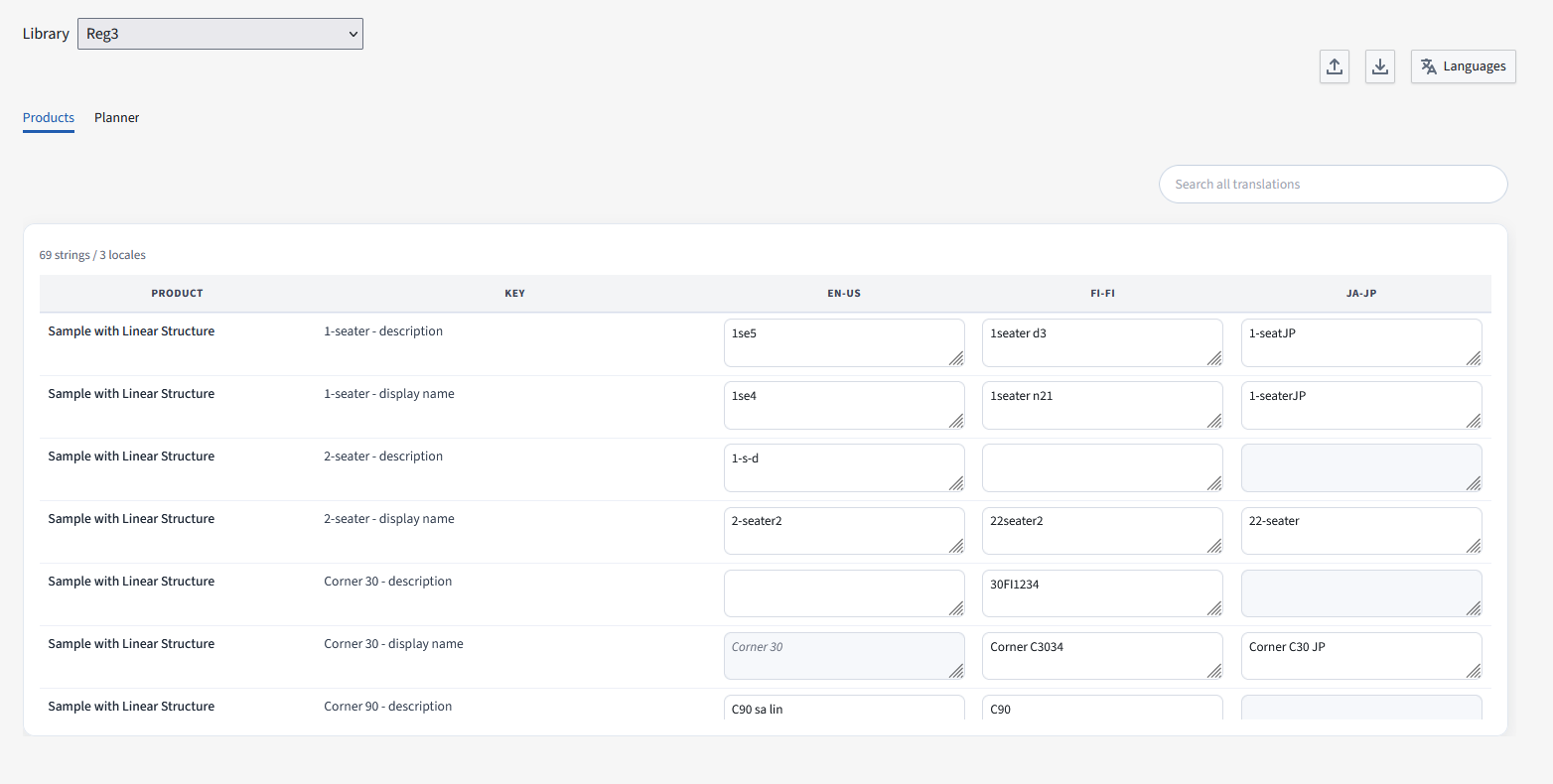
Selection of languages used for the product library
In order to select which languages are used by the product library, you select languages that you will support from the selection menu.
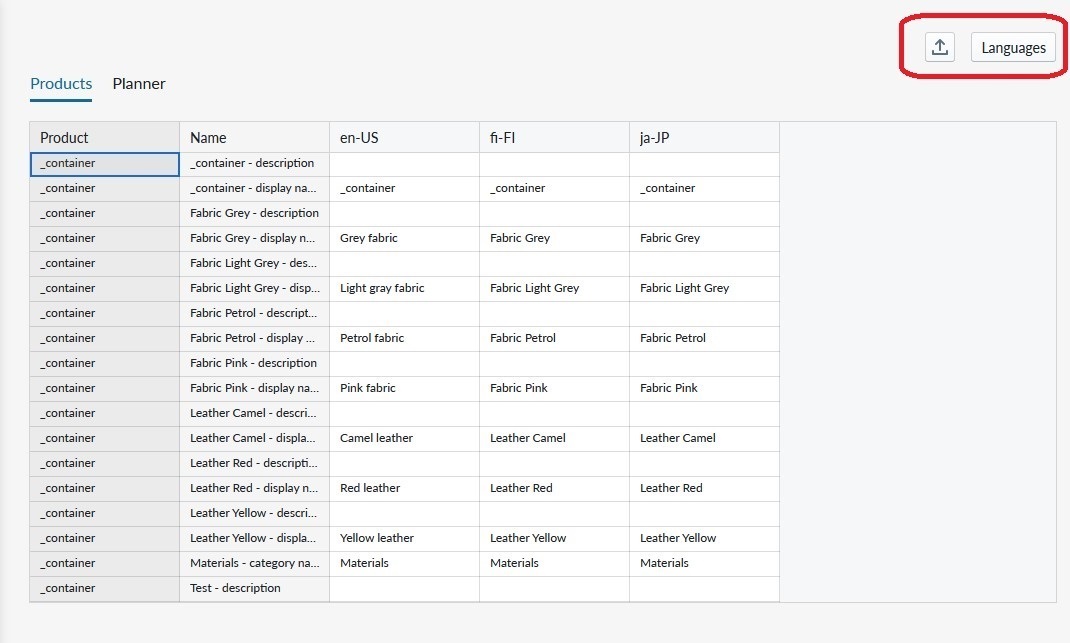
The listing of locales is opened as a modal where you can add/remove the locales you want to support. When adding a language you can search among the multiple languages listed.
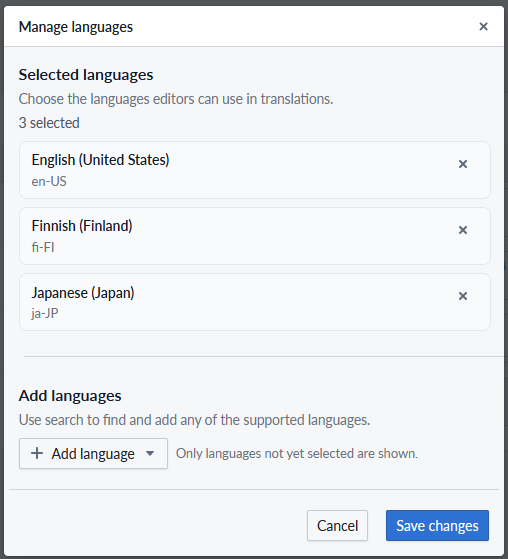
Translating generic terminology used in the Planner
The planner menus, buttons and features that you are presenting to the user can be localized under the Planner menu. As new features get deployed, additional localizations may appear here.
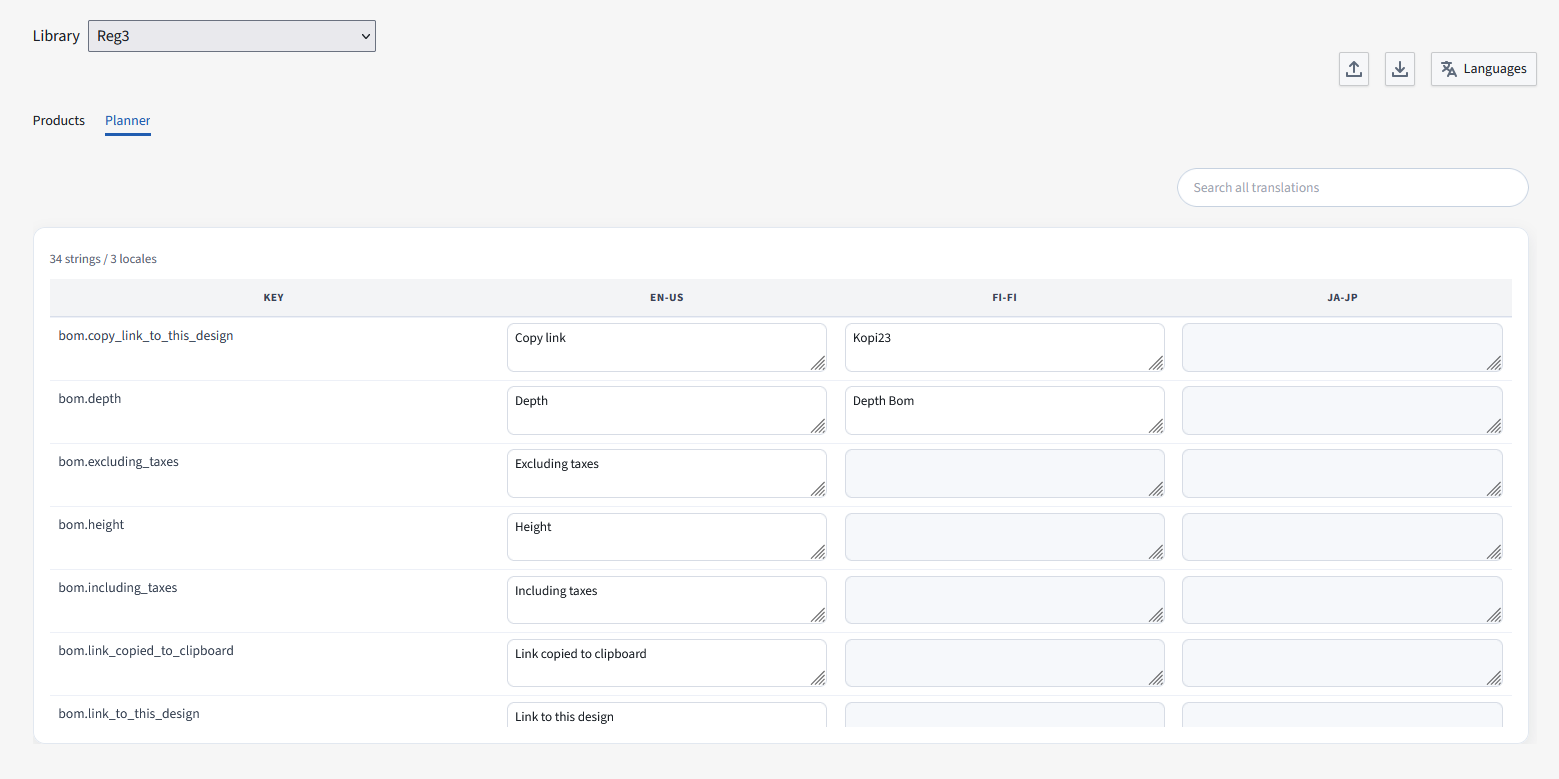
Translating product texts
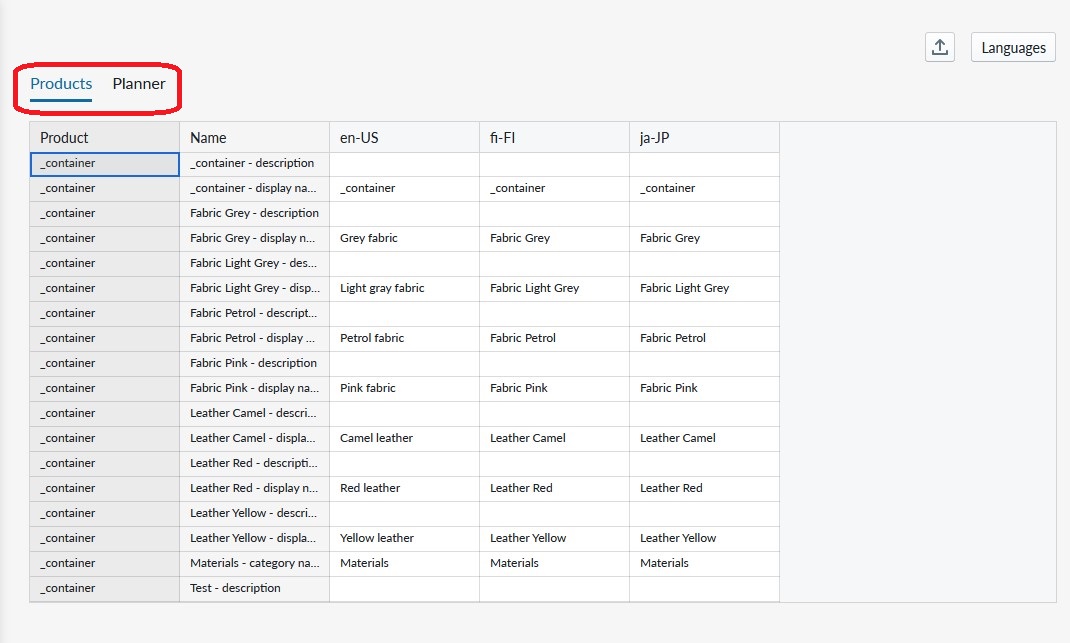
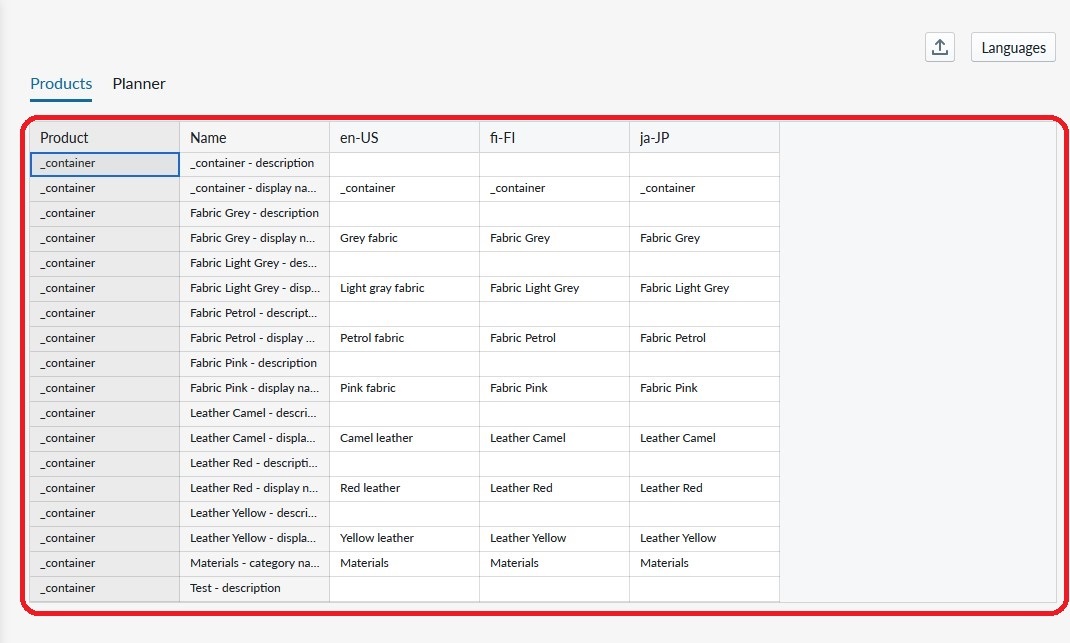
The products you have configured are listed in the products view and all your edits in the Manager product configuration view get reflected here as well. Do note that as you add and edit products, parts and materials the listing is updated here.
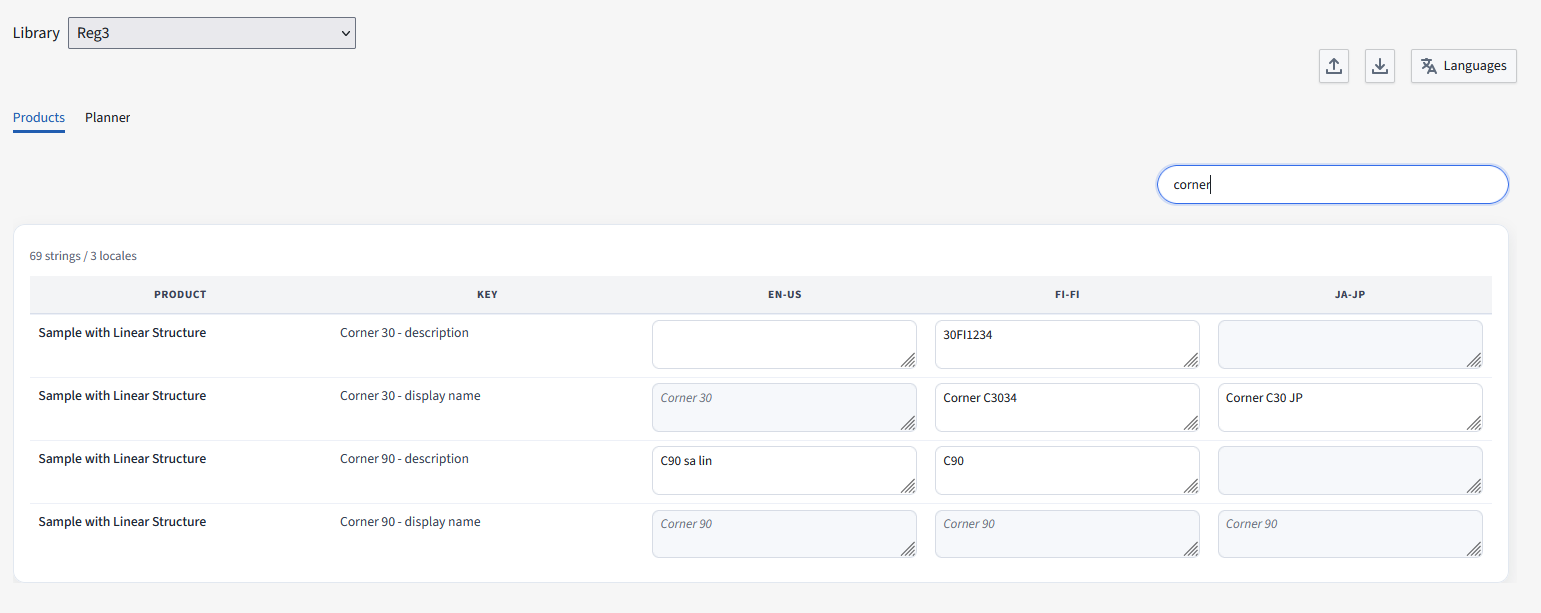
Searching
It is possible to search for a translation. The search will check also all the columns data not only the translations. When searching, a shorter list will be displayed, when modyfing the list that does not mean that the shortened list will be saved... Only the modyfied cells will be saved.
Importing & Exporting translations
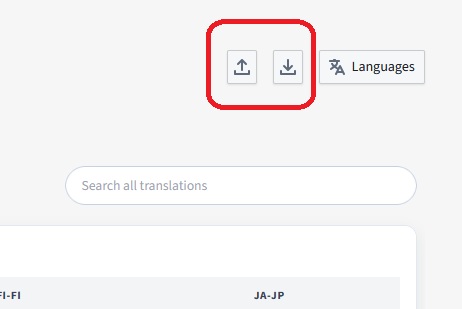
You can export and import the translations from the button in CSV format (semicolon as a separator - this is easily imported in Excel also even through copy pasting the data).
Site translations
It is possible to have translations per site. They are actually overriding the base planner translations. When a row is modified, means that it will override the base values and this is depicted by the yelow color.
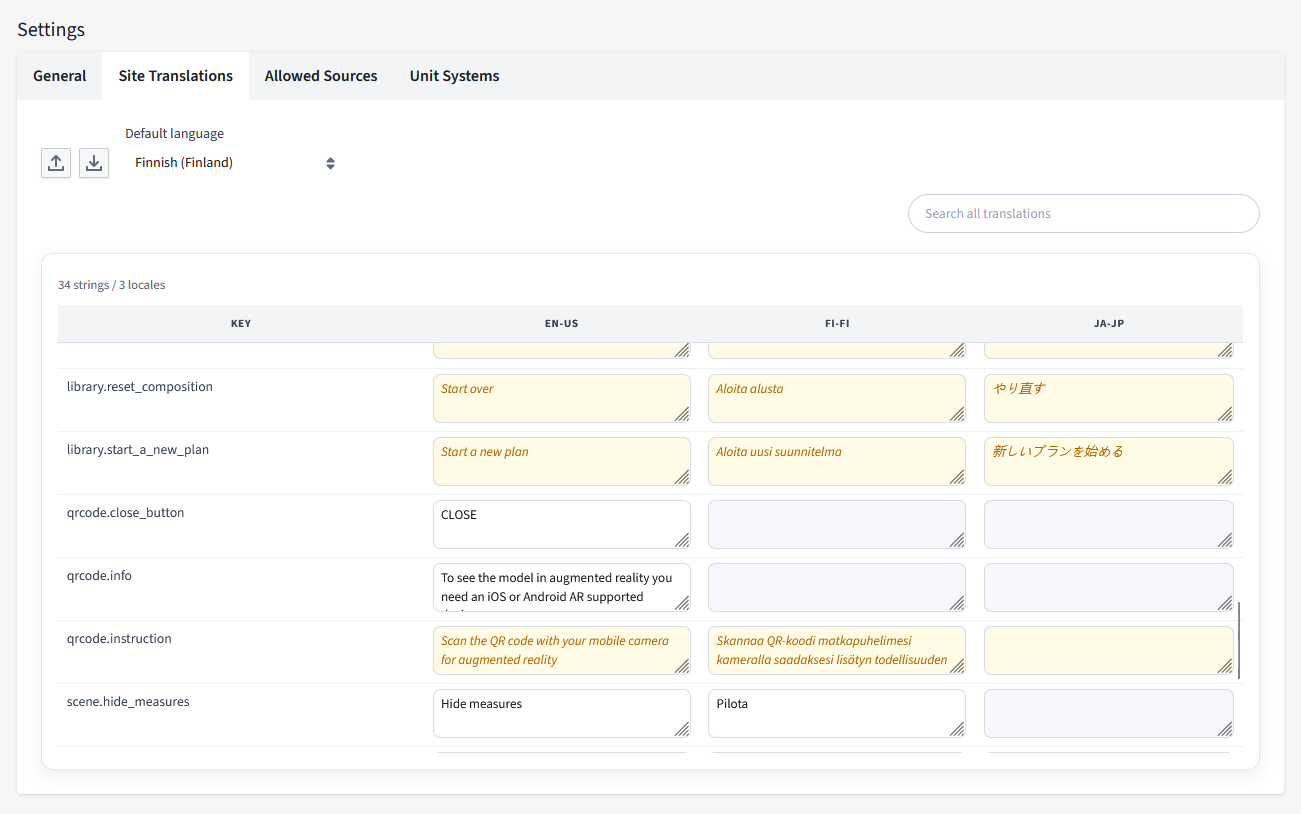
Each site can have its owen translation, but also its own selected language. The list of available languages is made in the main translation page.
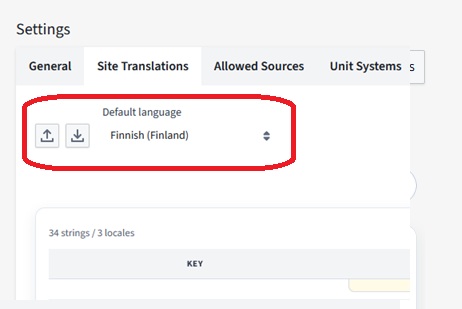
Configuring language in the planner application
The way to tell the planner which language is used is defined in the integration documentation. You will be able to localize texts in all properties that support localization as indicated by the properties. The translation page summarizes the product level and system level translations